Xtravu Lite • DS Techworks Solutions • 2025
A signage app a shop owner can run with four buttons
Most of our small-business clients had one screen: one restaurant, one showroom, one waiting room. They did not want control. They wanted the TV to show the right thing. Xtravu Lite is an offline-first Android TV app that lets an owner update content in under a minute, with a TV remote and no training.
Situation
A support call to change a burger price
A restaurant owner called one October afternoon to change a price on his menu board. It took over 40 minutes and two calls, and he still was not sure he had done it right. He was not the exception.
- 40 minand two support calls to change one price
- 10 of 17clients needed help with basic tasks when we recorded them
- 3tasks tested: update content, add a display, schedule a layout
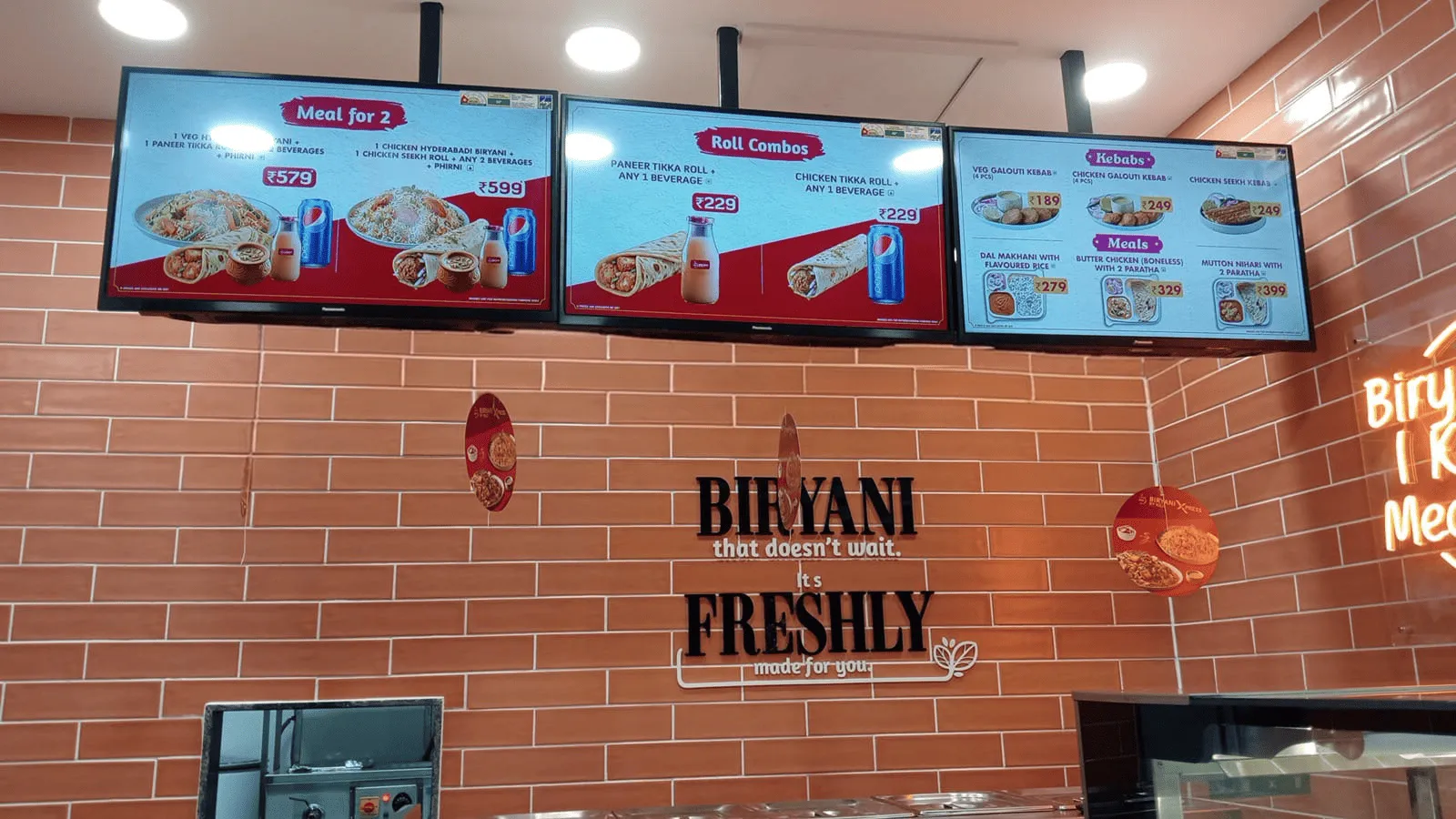
The kind of place this was for. Credit: Biryani By Kilo.
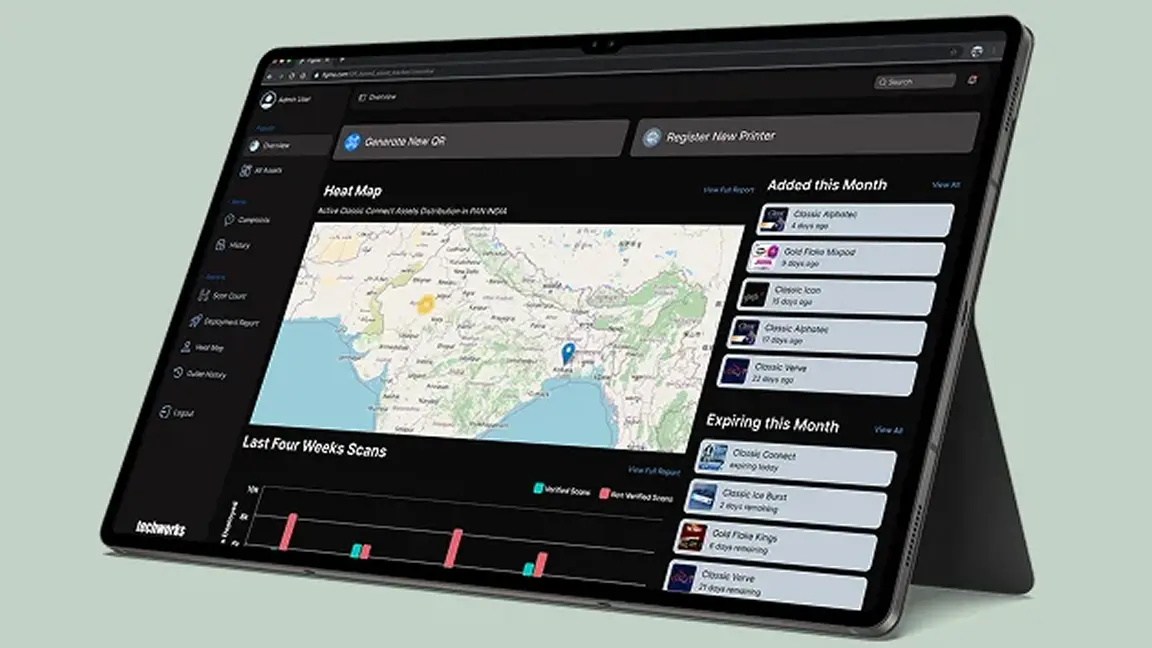
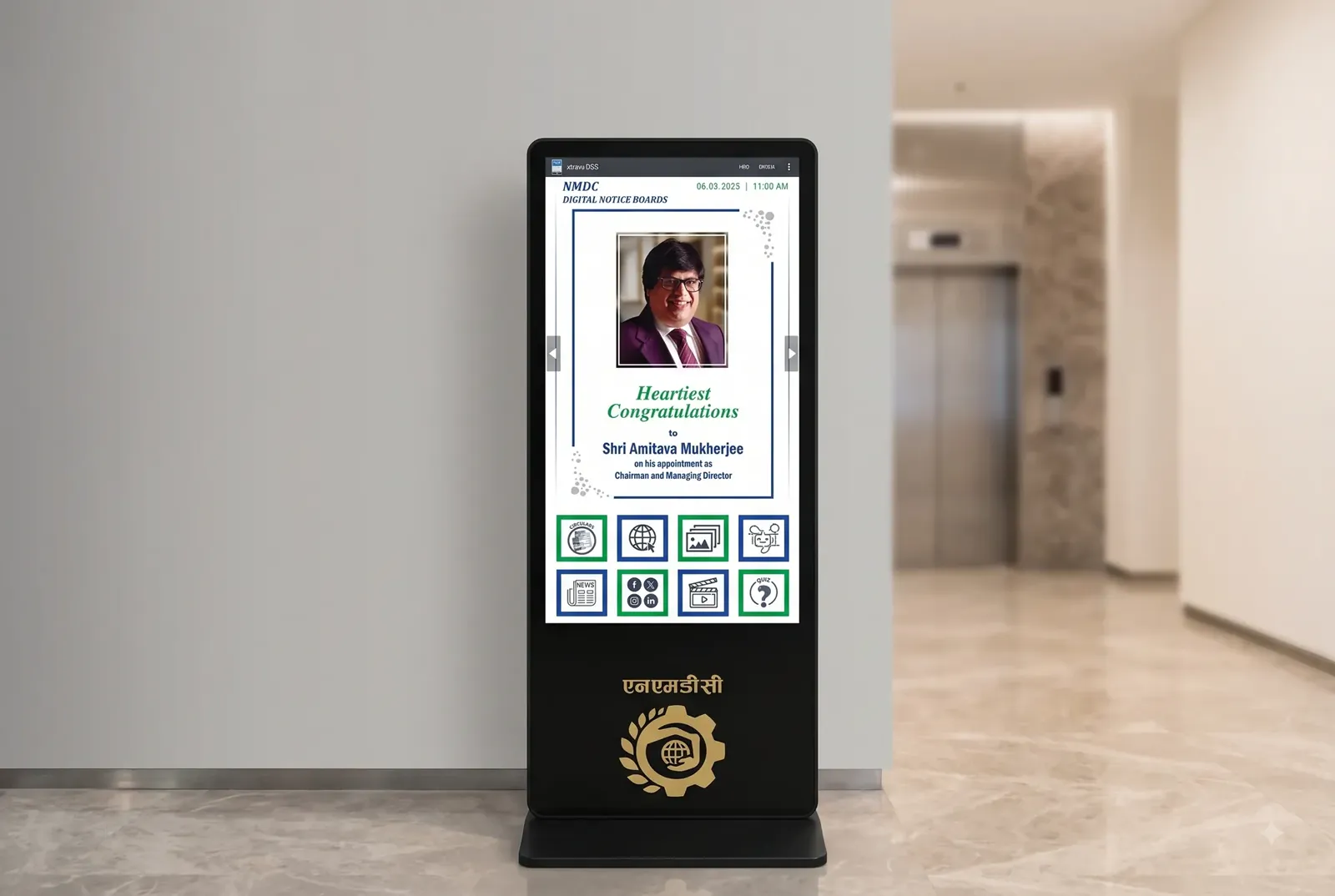
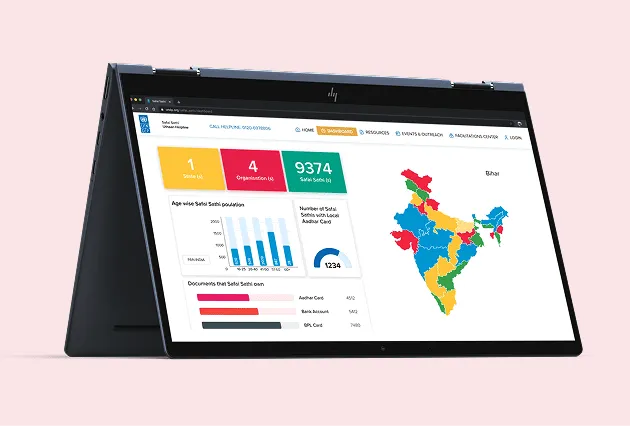
Better docs and an onboarding video changed nothing. Then our own support team tried the same three tasks and got stuck on the same steps. This was not a knowledge gap. Our existing web dashboard was the wrong tool for this user.
Task
One screen, one owner, one remote
- Update content in under a minute
- Every action reachable with a TV remote
- Works with no internet
- No training
I led research and design and ran the project as associate project manager, with one Android developer building it.
Action
We threw away the first version
1. Tried to shrink the big app. It did not work.
Our first instinct was to keep scheduling and layouts, just simplified. Five clients hit the same wall. One paused at the scheduling screen and asked what a "layout" even was. Trimming an enterprise tool down still leaves an enterprise tool, so we discarded a few weeks of work.
The version we threw out.
2. Two screens. Four buttons. That is the whole app.
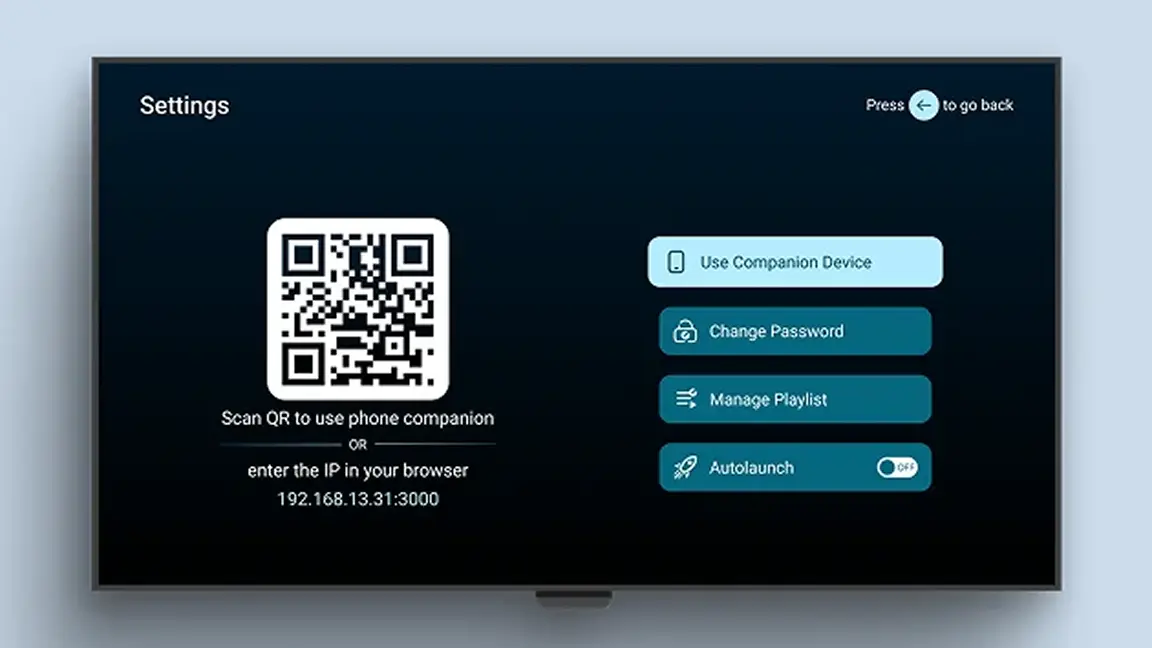
We rebuilt around one question: what does this screen need to show right now? A Player screen loops the content. A Settings screen holds exactly four actions. If something could not be reached in four buttons, it was cut. Scheduling and multi-layout did not survive.
- 1Manage PlaylistAdd, remove and reorder what plays.
- 2Use Companion DeviceScan a QR code and manage it from a phone.
- 3Change PasswordKeep staff from changing the screen.
- 4AutolaunchStart playing when the TV turns on.
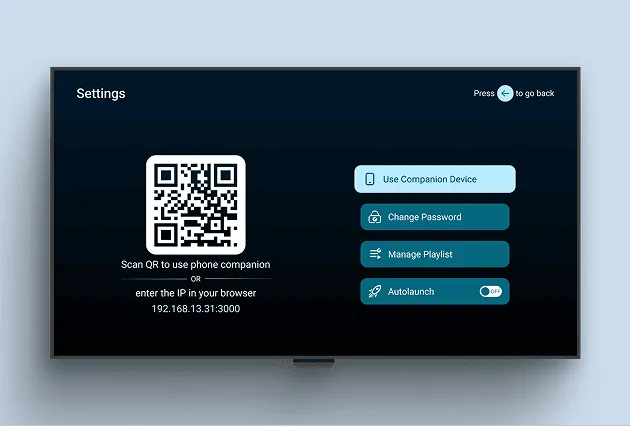
Settings: everything the app can do, on one screen.
3. Made it work with no internet
Many locations had poor connections, so updates work over USB or from a phone on the same network, reached by scanning the QR code on screen. The phone companion began as a fix for a developer tired of testing with a remote and became the feature clients used most.
4. Made mistakes cheap
Every update keeps a rolling 7-day history, so a bad change is one tap to undo instead of a full re-upload.
Seven days of history, one tap to go back.
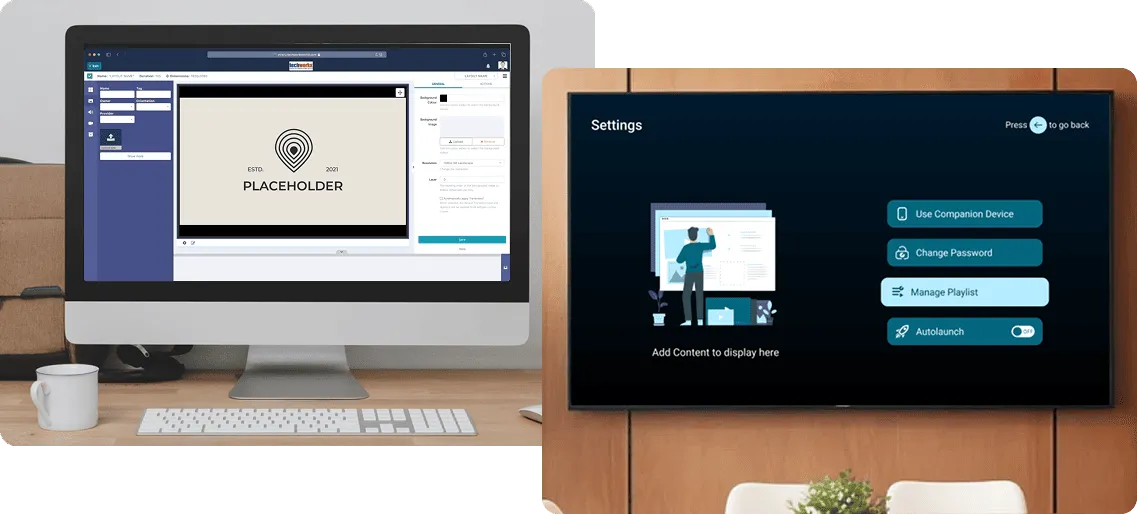
Old web app on the left, Lite on the right.
Result
Calm clients, and a support desk that could eat lunch
- 17 of 17completed every task unaided, up from 7 of 17
- 250 → 100monthly support tickets within a month, a 60% drop
- 13 → 54clients in a few months, with no paid marketing
- 48 secmedian time to update content
I ate my samosa hot for the first time in months. Even hot, it still tasted equally bad.
Himanshu Giri, Support Engineer, two weeks after rollout
Reflection
Cutting features is easy. Knowing which ones is not.
- 1The big app was not overbuiltIt was built correctly for a different person. Once we asked what a first-time user with no patience needed, most decisions made themselves.
- 2Build the companion on purposeIt arrived almost by accident and turned out to be what younger clients reached for first.
- 3Multi-display is nextOne client with 13 screens in a showroom told us updating each separately was getting old. One screen, one owner was right at the time; it is not the whole market.